 Software Field Notes
GIMP MCP Experiment
Written on September 28th, 2026 by Alexandre Pascoal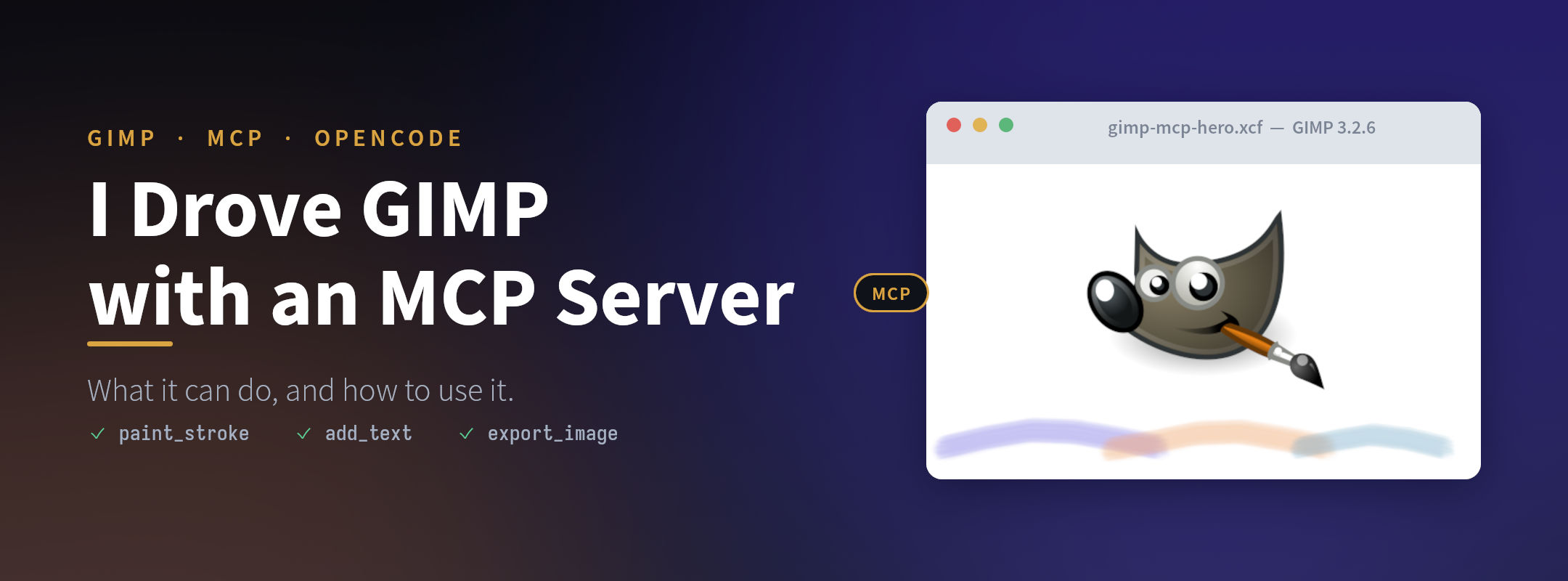
Liking them or not, Large Language Models (LLMs), or as we normally call them the Artificial Intelligence (AI), are here to stay. In the IT they are being pushed to be used, and in some cases we can have the opinion that it is being taken too far, but the reality is that there is a lot of repetitive work that can be automated and accelerated with it.
Another point where this technology can help is in tasks that I do not have experience with. Being able to execute it, acquiring insight on how to do it, and having the chance to learn a new skill, is a must.
I don’t have a taste for design, nor experience with design tools, so every time I need to create an image or a design it is a problem to me. The time that I spend testing designs and exploring the tools available in the application that I’m using is a lot, and because I don’t do this type of task regularly, the knowledge that I gain during the task execution is never consolidated.
For this site I need to create a hero image for each post, and that, as I described above, would be a pain. This post is an informal documentation of some experiences that I had, and some notes on how to use a tool. Spending time to create a hero image would go against the objective of creating a post where the only overhead is acquiring the experience and knowledge on the application, tool, or procedure that I am writing about.
Finding a GIMP MCP
Some weeks ago I came across someone who had created an MCP for the GIMP application. Since I have been using ChatGPT to generate the images for the other posts, and they are not what I tend to say that are good and/or professional (they are better and faster than I would do manually) I thought that this could be a good tool to explore.
After a quick research I discovered that there is more than one GIMP MCP available, and I found a list of them with some evaluation on this page: Glama Best GIMP MCP Servers. I don’t know the quality of this site, it is the first time that I have seen it.
With the objective of creating a new image and not only editing an existing one, I looked at the list and at the evaluation that it has regarding license, quality, maintenance, and the last update, and I selected this one to test: gimp3-mcp by tifyr.
It was updated for the last time 12 days ago, has an A rate for license and maintenance. The only item that does not have any rate is quality. It supports GIMP 3.2, and has the ability to create or open images, paint, edit, and export them, and to look at the image between the steps to check its work.
Installation and setup
To install it I followed the steps in the installation section of the GitHub repository. The system that I’m using to test it has a Void Linux distribution, and I had no issue installing it.
To test this I used the OpenCode harness, with its free tier of models, and the GIMP version is 3.2.6 rev 1.
- gimp3-mcp installation
uvx gimp3-mcp install-plugin
- OpenCode MCP configuration
{
  "mcp": {
    "gimp": {
      "type": "local",
      "enabled": true,
      "command": ["uvx", "gimp3-mcp"]
    }
  }
}
Does the model matter?
Regarding the models, I was able to use a model that does not have the image processing ability, but from the experiments that I have done, using an image-capable model tends to reduce the token consumption and to generate a better image. With this ability the model can retrieve the current image snapshot from the MCP and analyze it, without it, it needs to use Python scripting to analyze it.
Does a skill help?
This MCP has some quirks that an agent needs to battle at the start. Using it with only the configuration on the harness is usable, but causes some issues when the agent starts the prompt execution. From my testing, the best solution that I found is to create a skill dedicated to it.
Using a skill will enable the agent/model to work with better performance during the image generation. I used a model to analyze the gimp3-mcp, and to plan and implement a skill to help with this. It created a bundle that, besides the skill file, has a bash and a python script to start GIMP and the MCP. If you want to take a look and test it, it is located here: alexandrepascoal/opencode-skills.
Results
I stored all the images that were generated, both to be able to compare and evaluate the results, and to have examples to show in this post. Below I list the result images with what was used to generate them.
The prompt used to generate the images was something like: I need to create an hero image to a post document describing my experiment with a gimp mcp. Use the images available in the current folder. The images that I had in the folder were the logos of GIMP and OpenCode.
| Attempt | Vision model | Base images | Skill |
|---|---|---|---|
| Only the prompt | no | no | no |
| With base images | no | yes | no |
| With a vision model | yes | yes | no |
| With a skill | yes | yes | yes |
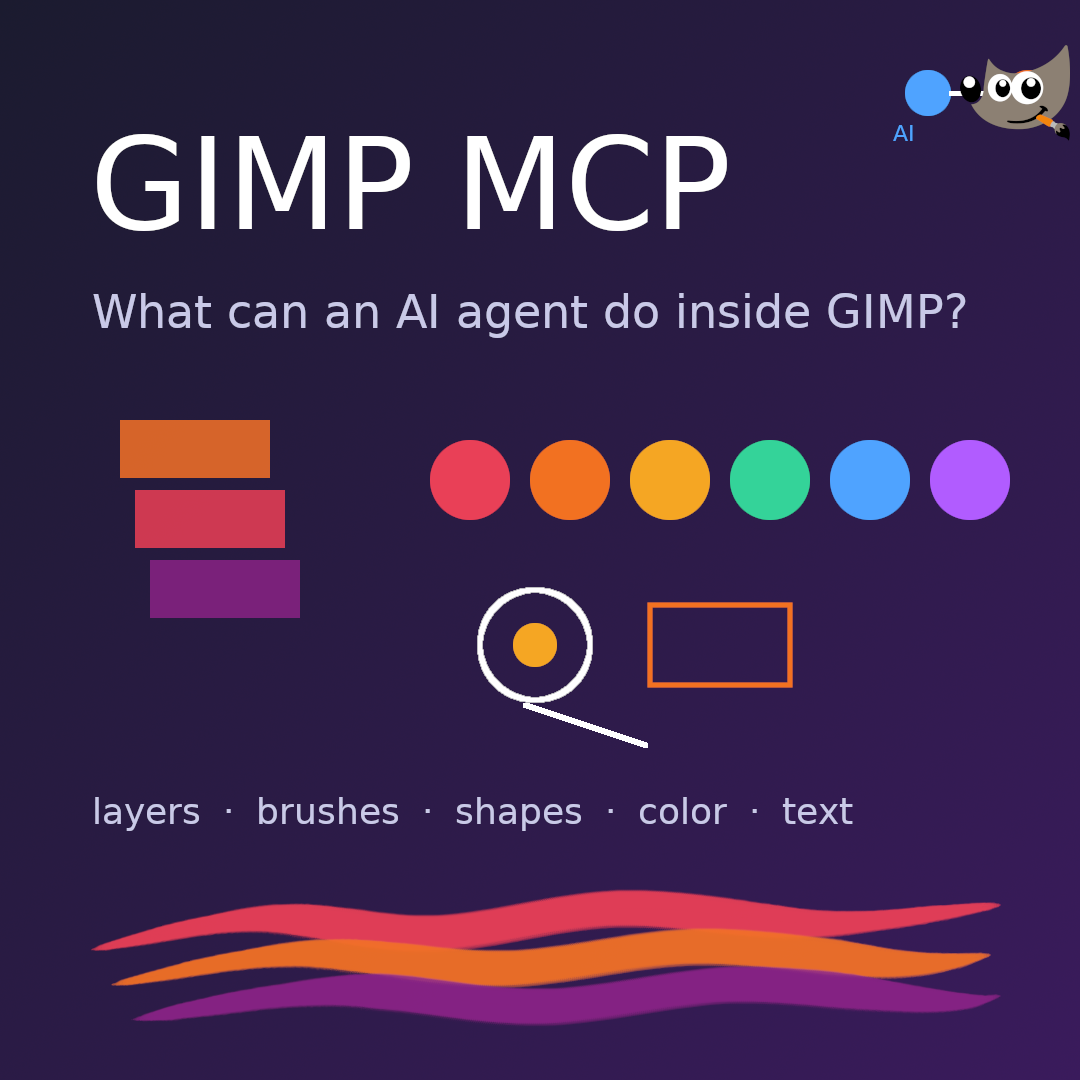 Only the prompt. I installed the MCP, configured it in OpenCode, and prompted it with a model that does not have image processing. I can’t remember the prompt that I used for this one, but I think that the main issue was not giving any base images or style to the model.
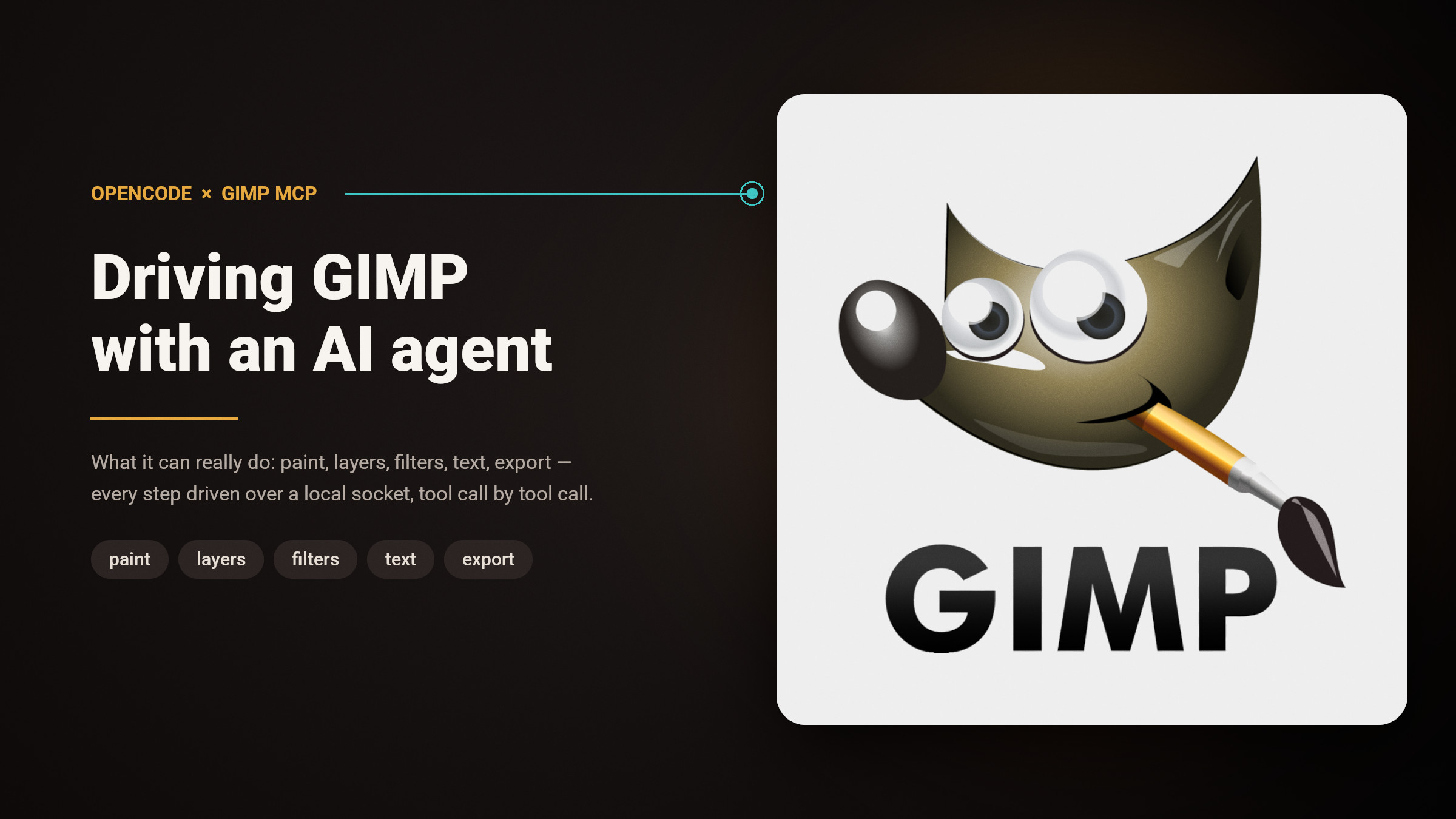 With base images. I used the same model as the previous one, but this time I added to the folder the two logos (GIMP and OpenCode). The result is more professional, more sober, as it was made by an adult.
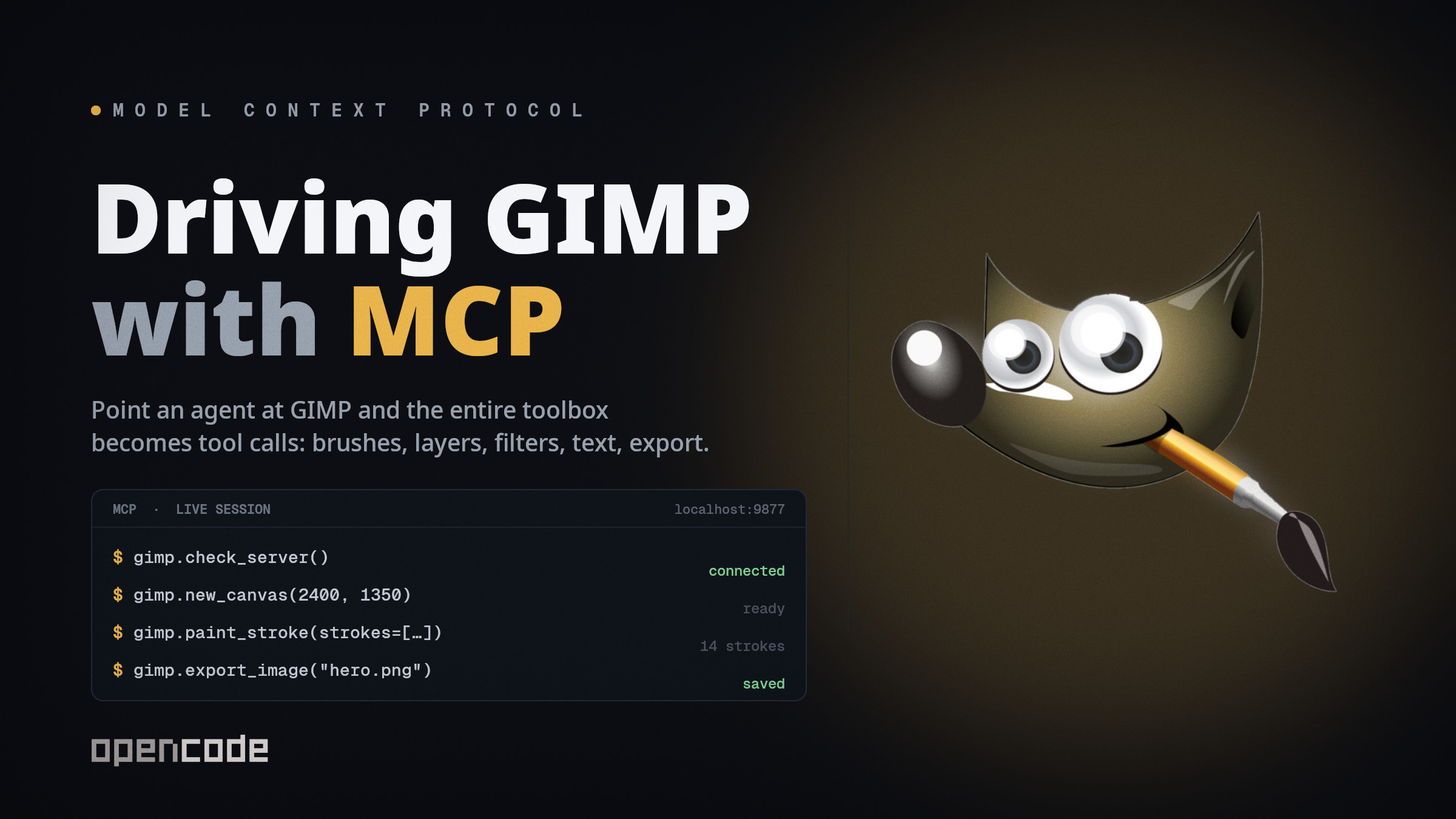 With base images and a model with image processing. At this point, in my opinion, the main difference is the speed and the token consumption, and the image is more professional than the previous one, all the components are legible, no problem for me using it.
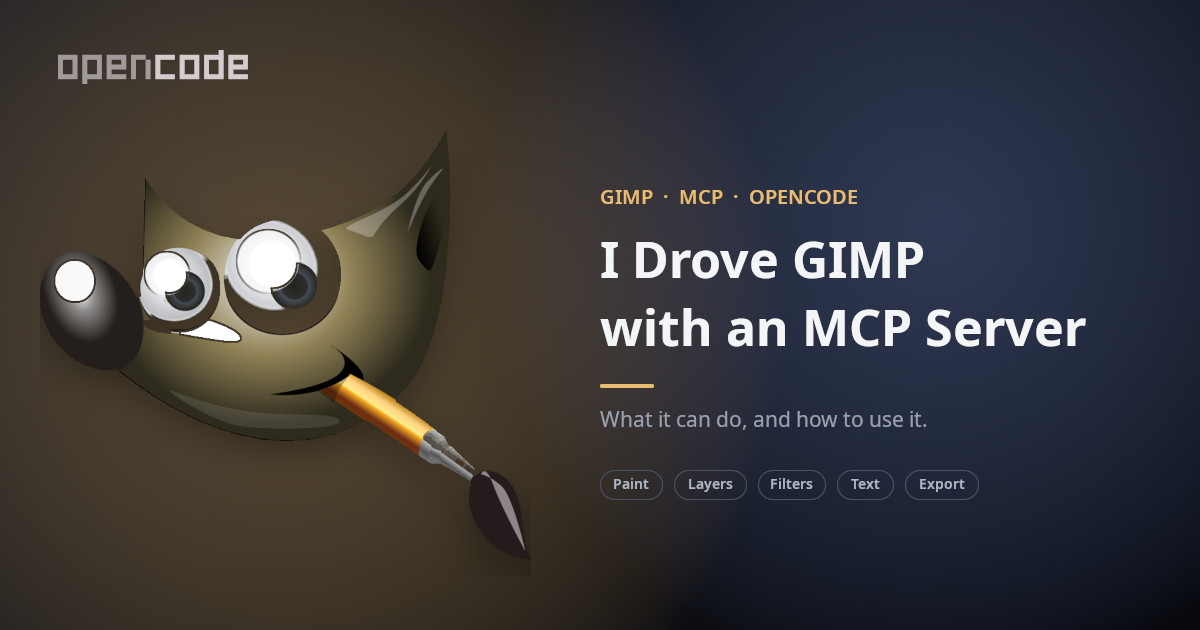 With a skill. In regards to this one, it’s professional and readable. The main point here is that it kept the speed and token consumption of the previous image, but there were no issues with starting GIMP, the MCP, or having failing API calls. It was like a breeze.
Limitations
One point that could be relevant in the way this could be implemented, is that the MCP needs to have GIMP started and it will be in headed mode. The application will be open on the computer that is being used, the image that is being generated/manipulated is displayed in the application, and the user could interact with it. This could limit the use of this in a server without a graphical interface, and the user being able to interact with it leaves room to interfere with the execution.
Wrapping up
At the moment this is the only one that I have tested, related to GIMP. During the analysis that I requested from the tool, the model reported some issues with it. I’m not sure that they are valid or not, I need to take a look at the report and the code to be able to have a clear vision. But even with this I think that gimp3-mcp by tifyr is a tool that produces good results.
For now I think that I’ll keep using it and exploring what I can achieve with it. The skill that I created may need to be more curated, but it made a difference in the result.
The other available MCPs could be better, faster, with fewer issues. I could take a look into them in the future.